

Connect Prescene to Claude with MCP
Connect Prescene to an MCP-capable assistant so it can query your Library, inspect scenes and characters, compare versions, and run approved workflows.
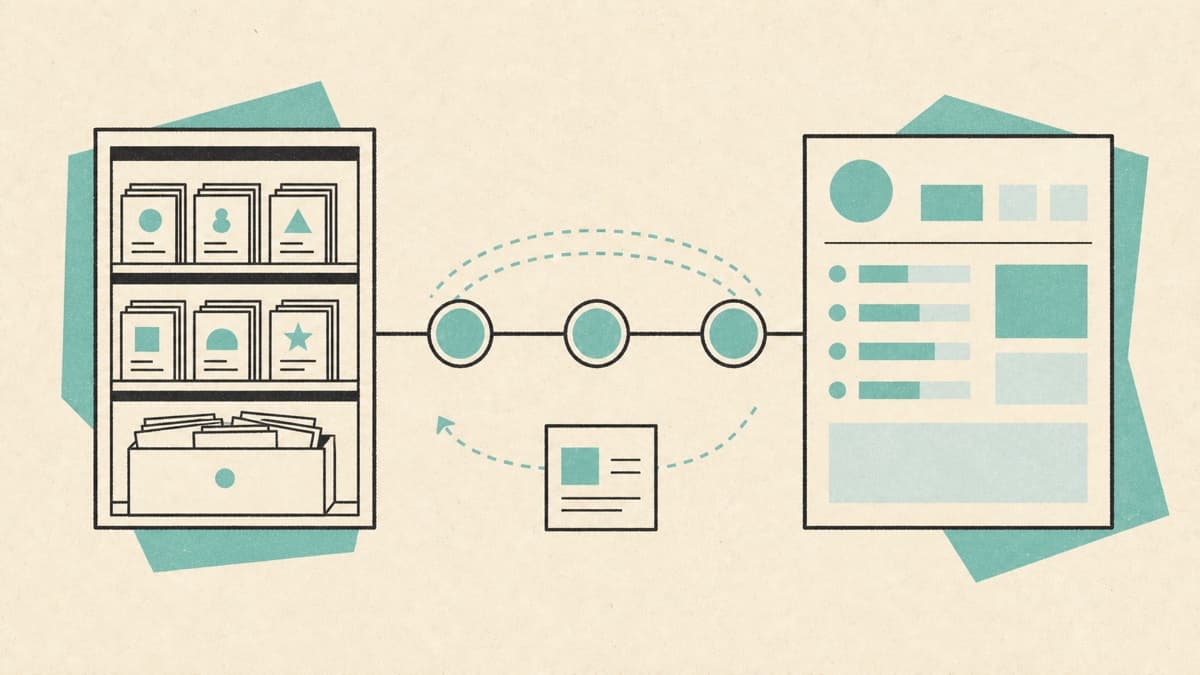
Prescene can make the story intelligence in your Library available to Claude and other MCP-capable tools. The external assistant does not need to rebuild context from a stack of PDFs. It can ask Prescene for the current title, scene, character, version, workflow, or artifact information it needs.
MCP, or Model Context Protocol, is an open protocol for connecting AI tools to external capabilities and knowledge. Prescene exposes a remote MCP surface and API-backed tools for authorized users.
What you need
Before connecting:
- Create a Prescene account.
- Add a script to the Library.
- Analyze the title so story intelligence is available.
- Open Connectors in Prescene.
- Use an MCP-capable Claude surface or another compatible client.
The exact client setup can change as MCP clients evolve. Use the connection details shown inside Prescene rather than copying credentials from an old guide.
What the connection can do
Prescene organizes tools by capability. A connected assistant can begin with Library discovery, then enable more specific work when needed.
Discover the Library
Find available titles and open the relevant film, series, season, or episode. The assistant receives product language rather than backend record names.
Inspect the script
Retrieve scenes, page content, source passages, and search results from the authorized material. This supports questions such as:
- Where is the first confrontation between Mara and Elena?
- Which scenes take place at the courthouse?
- Show the source passage behind the claim in this report.
Work with characters and relationships
Inspect canonical characters, aliases, dialogue, entity context, and relationships grounded in the script.
Compare versions
List source versions and compare screenplay drafts. The assistant can identify the material under discussion instead of assuming the latest file is the only one that matters.
Run workflows and open artifacts
Find eligible Prescene workflows, start an approved run, follow activity, and open the resulting artifact. Coverage remains a first-party product, but it uses the same durable workflow and artifact rails.
A useful interaction pattern
Start broad, then ask for evidence.
1. Show me the titles in my Prescene Library.
2. Open the current version of the pilot.
3. Summarize the protagonist's goal and cite the scenes that establish it.
4. Compare that arc with the prior source version.
5. Show any Coverage or character artifacts tied to the current version.
This sequence lets the assistant discover the correct scope before making a claim.
What MCP does not change
The screenplay and its source versions remain authoritative. The assistant can retrieve and discuss the intelligence available to it, but it should not silently rewrite source material or convert an interpretation into canon.
Prescene permissions still apply. A connected tool should not see titles the user cannot access in Prescene. Generated actions should retain provenance so the team can tell which source and workflow produced an artifact.
Design the first use case narrowly
For a studio or development team, begin with one job:
- Prepare for a notes meeting.
- Search a catalog for a known character or location.
- Compare two source versions.
- Retrieve evidence behind Coverage.
- Run one approved workflow from the assistant.
Measure whether the connection saves context switching and produces answers the team can verify. Expand only after the first job is reliable.
The value of MCP is not that another chatbot can read a PDF. It is that the tools where your team already works can reach maintained, versioned story intelligence without rebuilding it each time.
Prepare your Library for connected tools
Create a Prescene account, analyze a title, then open Connectors to configure MCP access.